Hyderabad Printer Services - Our Services
Welcome to our Hyderabad Printer Services, where we provide expert repair and maintenance services for a wide range of printers. Whether you're experiencing technical issues or need routine maintenance, our skilled technicians are here to ensure your printer operates at peak performance.
1. Services Offered
a. Printer Repair:
. Diagnostic Services: Thorough assessment to identify and diagnose printer problems.
. Component Repair: Fixing or replacing malfunctioning parts, including print heads, rollers, and fusers.
. Error Code Resolution: Addressing and resolving specific error codes and messages displayed by your printer.
b. Routine Maintenance
. Cleaning Services: Comprehensive internal and external cleaning to prevent jams and ensure smooth operation.
. Ink and Toner Replacement: Assistance with replacing and installing ink cartridges or toner cartridges.
. Software Updates: Updating printer drivers and firmware to enhance functionality and performance.
c. Troubleshooting Support
. Technical Support: Guidance on resolving common printer issues such as connectivity problems, print quality issues, and paper jams.
. Configuration Help: Assistance with setting up and configuring your printer for optimal performance.
d. Parts Replacement
Genuine Parts: Use of original or high-quality replacement parts to ensure compatibility and longevity.
Custom Orders: Sourcing and installing specific parts that may not be readily available.
e. Installation Services
. New Printer Setup: Professional installation and setup of new printers, including network configuration and driver installation.
. Network Integration: Assistance with integrating printers into existing network environments for shared use.
Typical Uses:
. Office Environments: Ideal for businesses with high-volume printing needs.
. Document Printing: Best for printing text-heavy documents such as reports, memos, and spreadsheets.
. Educational Institutions: Suitable for schools and universities with moderate to high printing demands.
Considerations:
. Initial Cost: Higher upfront cost compared to inkjet printers.
. Color Printing: Color laser printers are more expensive and might not match the quality of inkjet color prints.
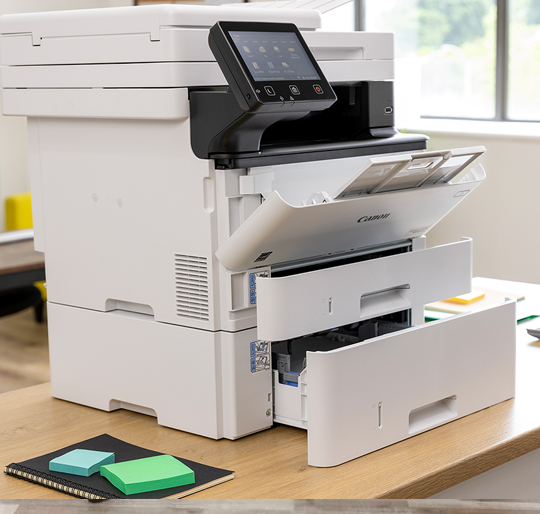
3. All-in-One Printers (Multifunction Printers)
Overview: All-in-one printers combine printing, scanning, copying, and sometimes faxing capabilities into a single device.
Advantages:
. Versatility: Consolidates multiple functions into one machine.
. Space Saving: Reduces the need for separate devices.
. Convenience: Offers various functionalities without the need for multiple devices.
Typical Uses:
. Home Offices: Ideal for users who need a multifunction device for various tasks.
. Small Businesses: Useful for offices that require scanning and copying in addition to printing.
. Educational Settings: Beneficial for schools that need to perform multiple tasks.
Considerations:
. Cost: Higher initial cost due to multifunctionality.
. Complexity: More features may lead to more potential issues and maintenance.
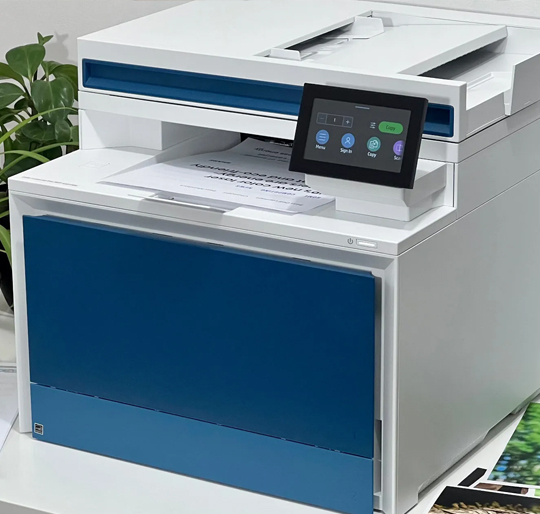
1. LaserJet Printers Repair Services
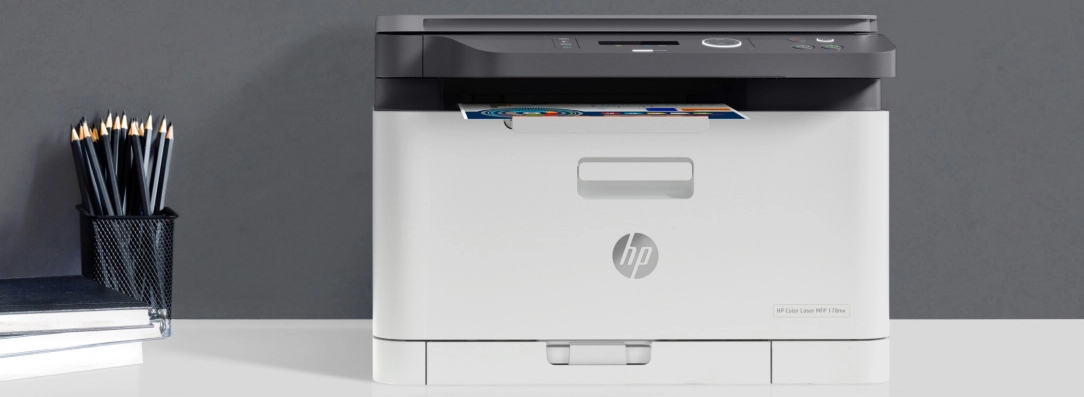
LaserJet printers, developed by Hewlett-Packard (HP), are renowned for their efficiency, speed, and high-quality output. Utilizing laser technology, these printers are designed to meet the demands of both home offices and large enterprises with fast, reliable performance and professional-grade prints.
2. Key Features
a. Laser Printing Technology
. Print Mechanism: LaserJet printers use a laser beam to form an image on a drum, which then transfers toner (a fine powder) onto paper to create sharp, clear text and images.
. High Resolution: Capable of producing high-resolution prints with crisp, clear text and detailed graphics.
b. Fast Printing Speed
High Output: Designed for rapid printing, making them ideal for high-volume environments. Print speeds are generally faster compared to inkjet printers, especially for text-heavy documents.
. High Resolution: Capable of producing high-resolution prints with crisp, clear text and detailed graphics.
c. Cost-Effective
Low Cost Per Page: Toner cartridges tend to last longer than ink cartridges, which translates to a lower cost per page. This is particularly beneficial for businesses with heavy printing needs.
c. d. Durable Build
High Capacity: Built to handle large volumes of printing with robust components designed for long-term reliability.
Paper Handling: Equipped with large paper trays and options for additional paper handling accessories, accommodating various paper sizes and types.
e. Advanced Features
Networking Capabilities: Many models come with built-in Ethernet or Wi-Fi connectivity, enabling easy sharing across multiple users and devices.
Duplex Printing: Automatic two-sided printing (duplex) reduces paper usage and can enhance productivity.
Security Features: Advanced security options help protect sensitive information, making them suitable for business environments.
. Complexity: More features may lead to more potential issues and maintenance.
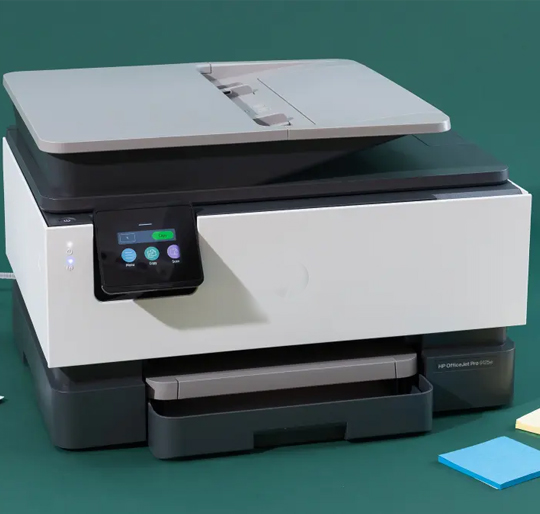
2. Inkjet Printer Repair Services

Inkjet printers are a popular choice for home and office use due to their versatility, affordability, and ability to produce high-quality color prints. They work by spraying tiny droplets of ink onto paper to create detailed text and vibrant images. Whether you need to print documents, photos, or creative projects, inkjet printers offer a broad range of capabilities to suit various needs.
2. Key Features
a. Inkjet Technology
.Print Mechanism: Inkjet printers use ink cartridges that eject microscopic droplets of ink through tiny nozzles to form text and images on paper.
High Resolution: Capable of producing detailed and sharp prints with high resolution, ideal for both text and color images.
b. Color Printing
Vibrant Prints: Excellent for printing high-quality color photos and graphics with rich, true-to-life colors.
Photo Printing: Specialized ink formulations and paper options enhance photo printing capabilities.
c. Versatile Media Handling
Various Paper Types: Can print on different media, including photo paper, glossy paper, labels, and even some fabrics.
Custom Sizes: Supports a range of paper sizes, from standard letter-sized sheets to larger formats for posters and presentations.
d. Compact and User-Friendly Design
Space-Efficient: Designed to fit comfortably on a desk or small workspace, making them suitable for home or small office use.
Easy Operation: Features intuitive controls and interfaces, often with user-friendly touchscreens or apps for easy setup and operation.
e. Connectivity Options
Wireless Printing: Many models support Wi-Fi or Bluetooth connectivity, allowing for wireless printing from computers, smartphones, and tablets.
Mobile Printing: Compatible with mobile printing apps like Apple AirPrint, Google Cloud Print, and manufacturer-specific apps for convenient printing from anywhere.
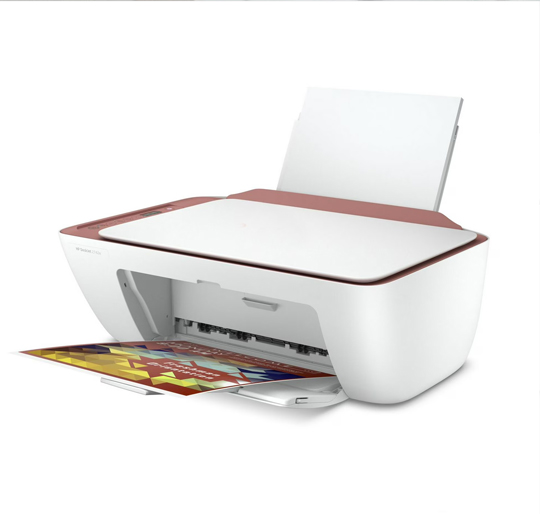
3. DeskJet Printers Repair Services
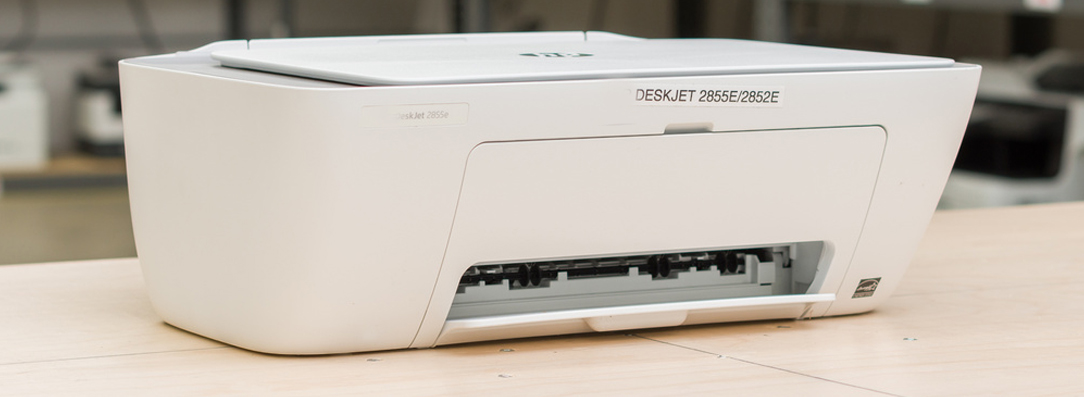
DeskJet printers, a renowned line of inkjet printers developed by Hewlett-Packard (HP), are designed to provide reliable, high-quality printing for both home and small office environments. Combining affordability with a range of useful features, DeskJet printers offer versatile printing solutions for various needs.
a. Inkjet Technology
.Print Mechanism: DeskJet printers utilize ink cartridges to spray tiny droplets of ink onto paper, creating detailed and vibrant text and images.
. High Resolution: Capable of producing sharp text and colorful graphics with high resolution, making them suitable for both document and photo printing.
b. Compact Design
Space-Efficient: Designed with a small footprint, DeskJet printers fit comfortably on desks and in small spaces, ideal for home offices and tight work areas.
User-Friendly: Typically equipped with straightforward controls and interfaces, often featuring a simple control panel or touchscreen for easy operation.
c. Color Printing
Vibrant Outputs: Delivers high-quality color prints, making it an excellent choice for printing photos, presentations, and creative projects.
Photo Printing: Many models are optimized for photo printing with enhanced color accuracy and resolution.
d. Connectivity Options
Wireless Printing: Supports wireless connectivity options such as Wi-Fi, enabling convenient printing from computers, smartphones, and tablets without physical cables.
Mobile Printing: Compatible with mobile printing solutions like HP Smart, Apple AirPrint, and Google Cloud Print for seamless printing from various devices.
e. Multifunction Capabilities (Optional)
All-in-One Models: Some DeskJet printers come with additional features such as scanning, copying, and even faxing, consolidating multiple devices into one compact unit.